# Invite a member

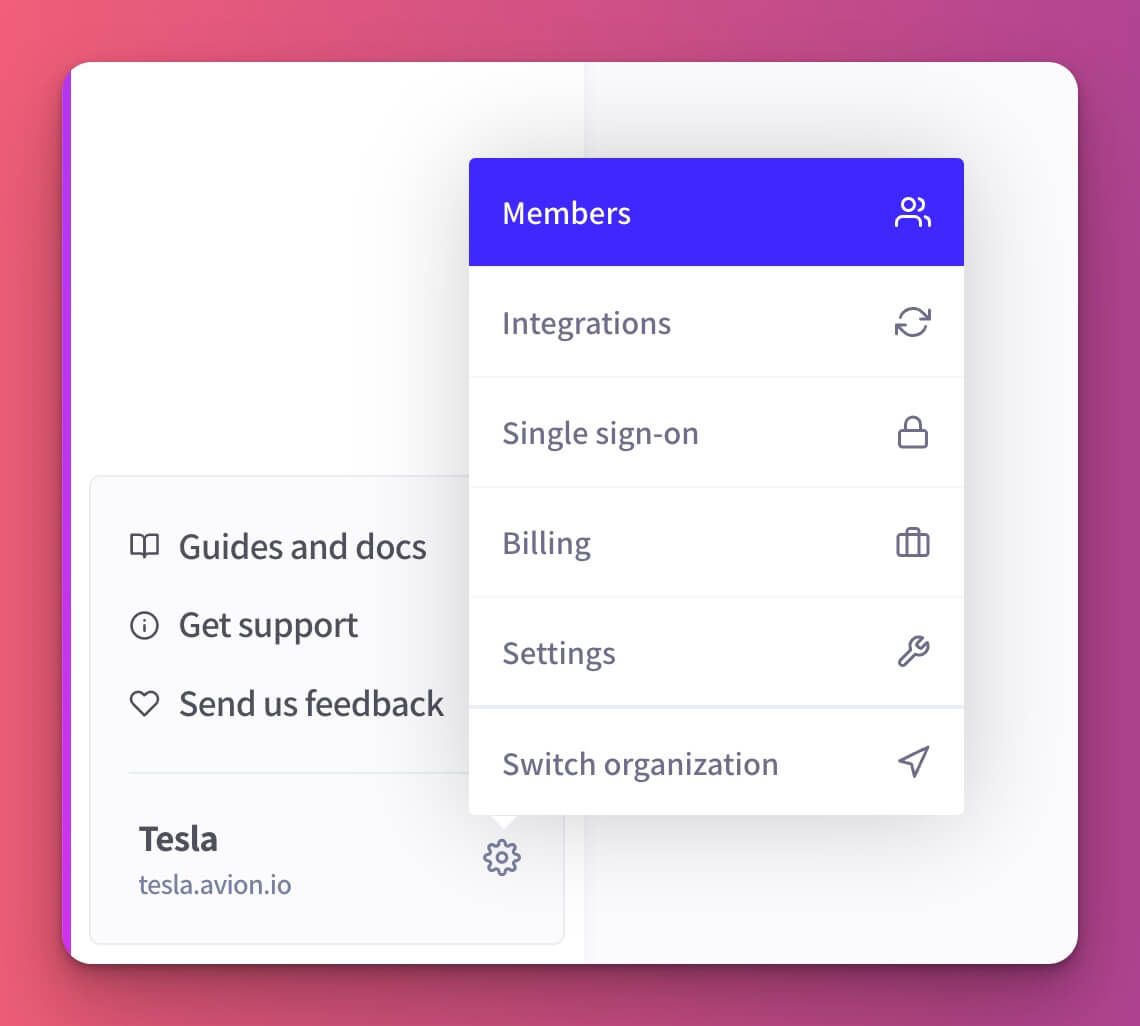
To manage your organization members, head to the **Members** page from the left hand side menu.

<figure><img src="https://3578170569-files.gitbook.io/~/files/v0/b/gitbook-x-prod.appspot.com/o/spaces%2F-LL6HR00hwiJJav4pLph%2Fuploads%2FFwN1dRghcypn6AgRSMJv%2Forg-members-menu.jpg?alt=media&#x26;token=75154d7d-26f0-47f5-9f8b-fd8d70c181c7" alt=""><figcaption></figcaption></figure>

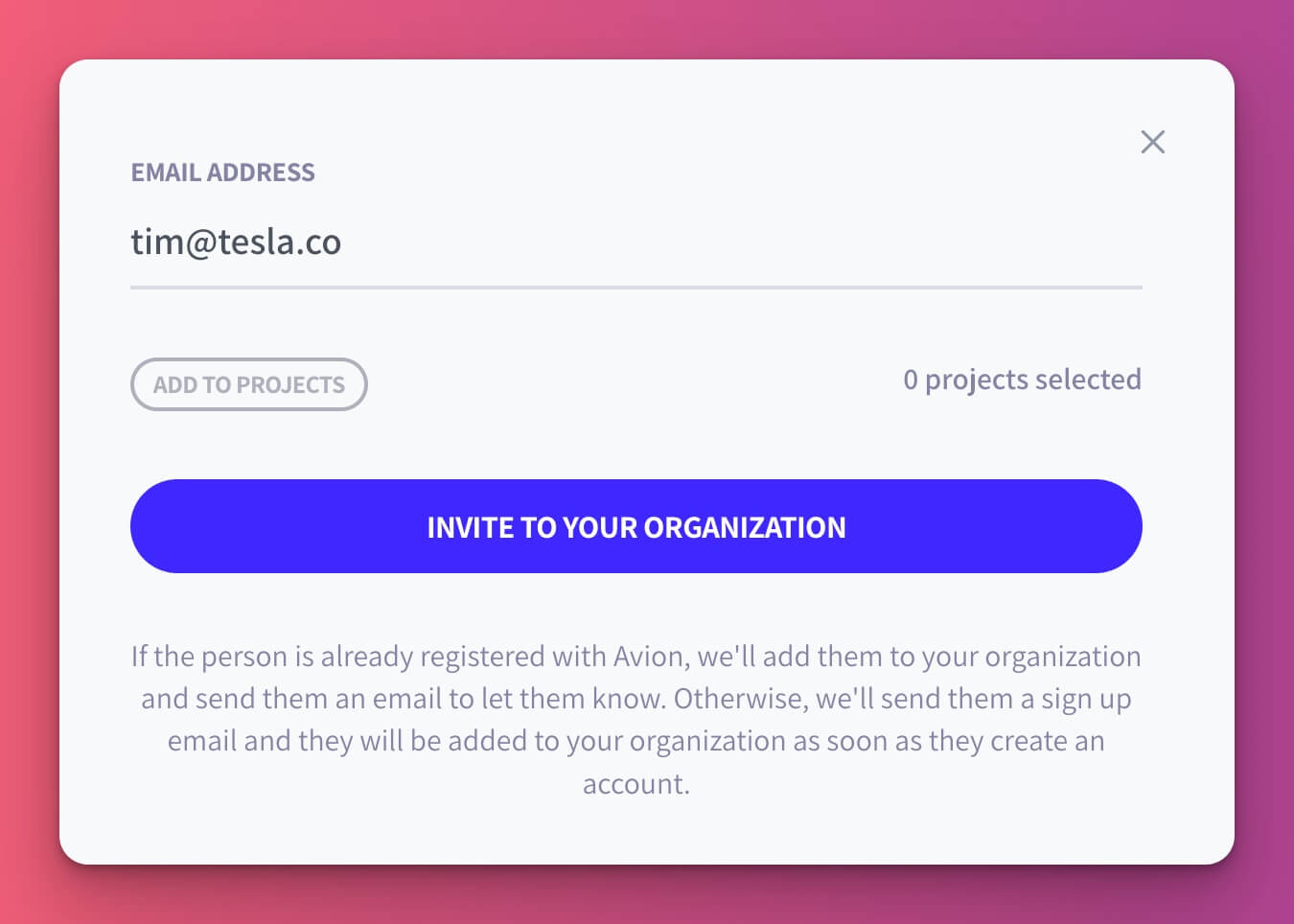
Click **Invite member** and then enter their email address. You can also add them straight into projects from here.
<figure><img src="https://3578170569-files.gitbook.io/~/files/v0/b/gitbook-x-prod.appspot.com/o/spaces%2F-LL6HR00hwiJJav4pLph%2Fuploads%2Fug4oEv81IwEvLUv3eBJc%2Fadd-member.jpg?alt=media&#x26;token=a2f1d34f-1fd0-41fd-b919-8a68dd51d935" alt=""><figcaption></figcaption></figure>

### Permissions

You need to be an [admin](https://help.avion.io/docs/core-concepts/user-roles#admin) or above to invite members into the organization.

{% hint style="info" %}
You can automatically add new organization members to a set of project teams. \
[Read more →](https://help.avion.io/docs/projects/project-team#auto-add-to-project-team)
{% endhint %}