

Export to CSV
Overview
You can export your story map to a CSV image at any time. This can be useful to extract raw data, without any formatting.
How to export to CSV
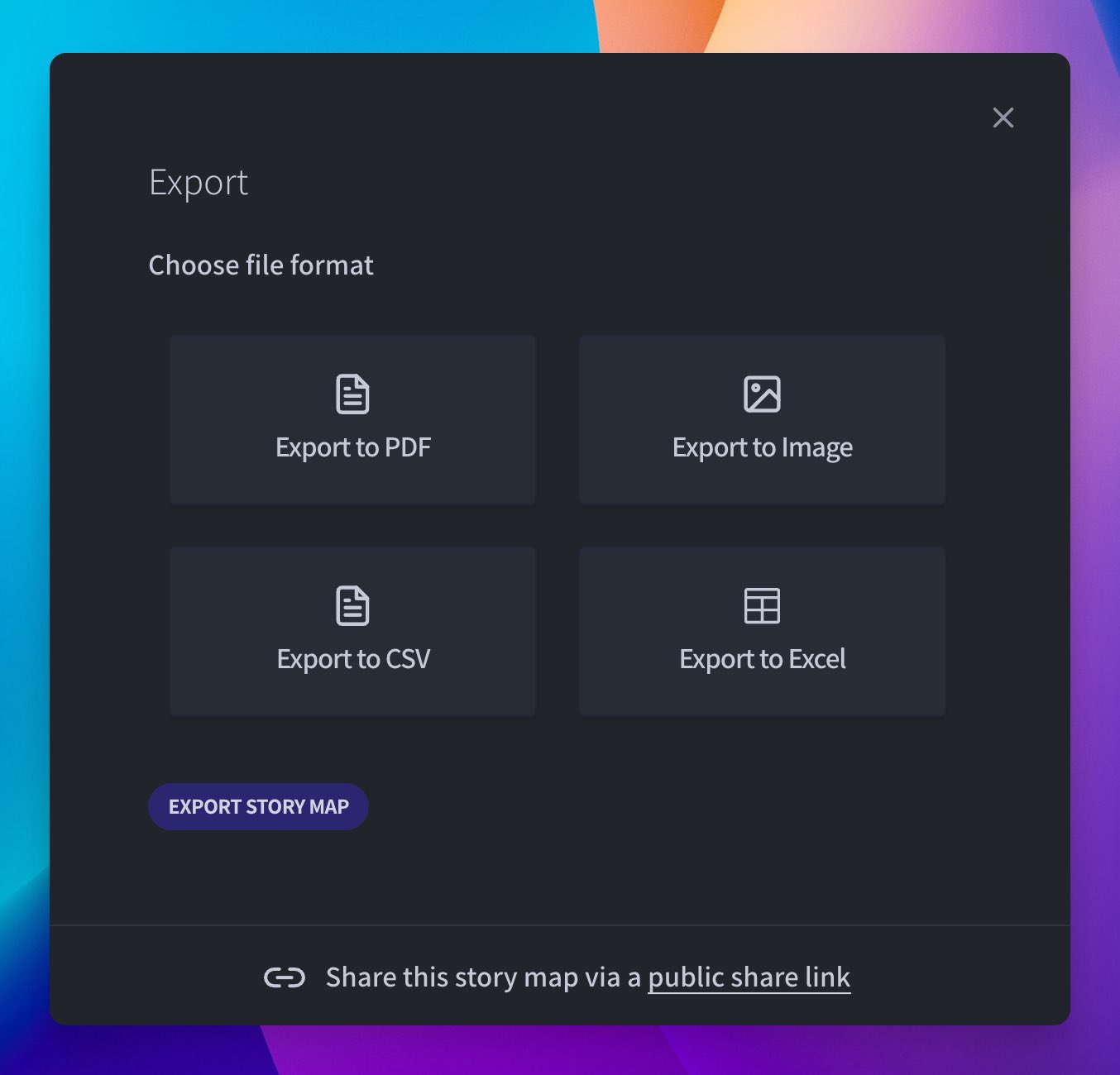
You can export to CSV by clicking on the Export button from the story map side bar.
You can export your story map to a CSV image at any time. This can be useful to extract raw data, without any formatting.
You can export to CSV by clicking on the Export button from the story map side bar.