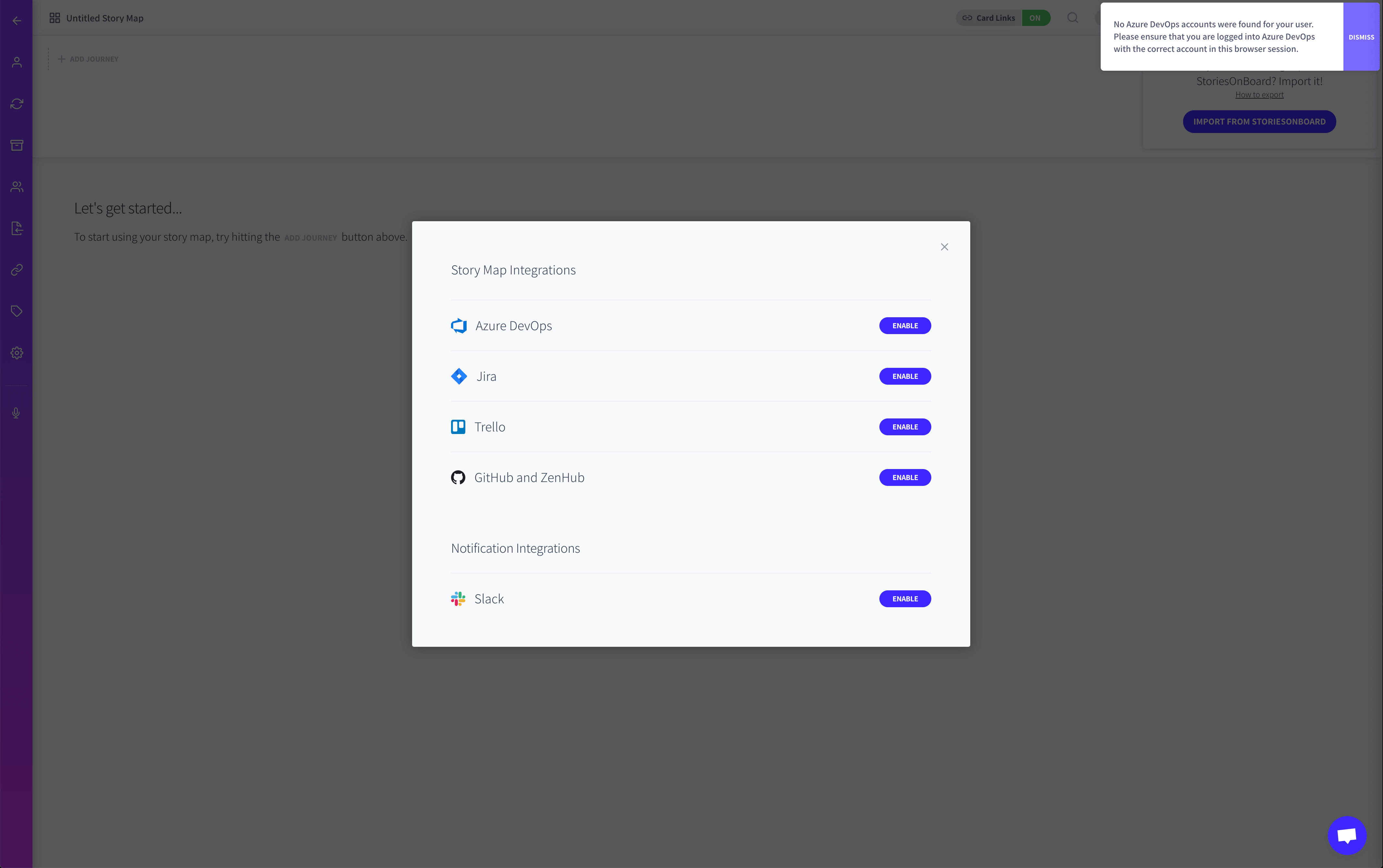
# No Azure DevOps accounts were found for your user

## Problem

If you encounter this error whilst setting up your Azure DevOps integration, you can follow these steps to resolve it.
![](/files/-MbuXJ3HnWw5U9AUR7JV)

## Resolution

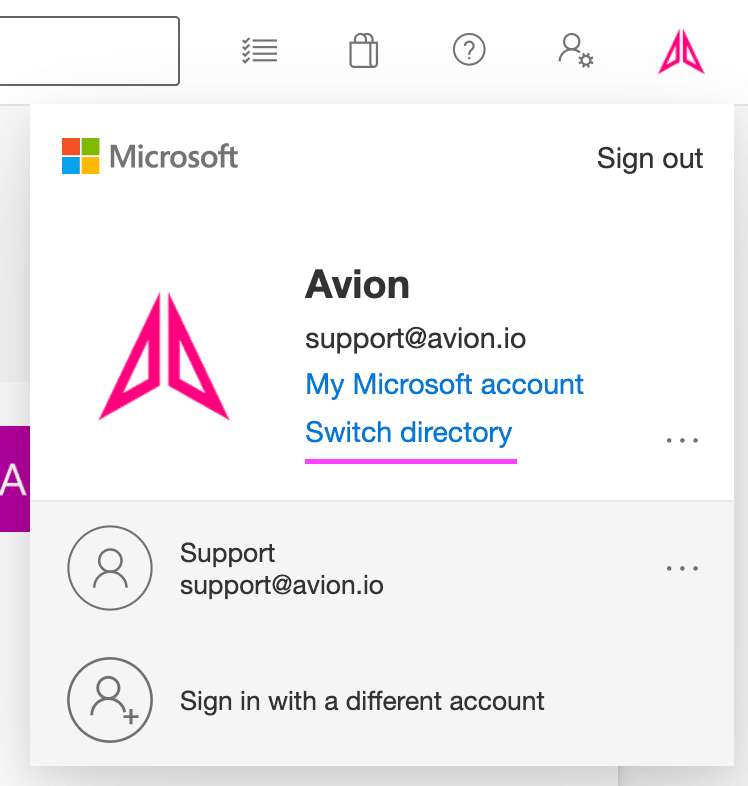
* Head to the Azure DevOps instance you are trying to integrate with
* Click on your avatar in the top right corner
* Click Switch Directory
* Ensure that the correct directory is selected. If the set up still fails, switch to another directory and then switch back to the desired directory.&#x20;
* Sign out and sign back in again

![](/files/-MbuXOc6oOsQ9l_bn6Rb)


---

# Agent Instructions: Querying This Documentation

If you need additional information that is not directly available in this page, you can query the documentation dynamically by asking a question.

Perform an HTTP GET request on the current page URL with the `ask` query parameter:

```
GET https://help.avion.io/docs/integrations/backlog-tools/services/azure-devops/faqs-and-troubleshooting/no-azure-devops-accounts-were-found-for-your-user.md?ask=<question>
```

The question should be specific, self-contained, and written in natural language.
The response will contain a direct answer to the question and relevant excerpts and sources from the documentation.

Use this mechanism when the answer is not explicitly present in the current page, you need clarification or additional context, or you want to retrieve related documentation sections.